Installation
rfmetadata is available on PyPI hence you can use pip to install it.
It is recommended to perform the installation in an isolated python virtual environment (env). You can create and activate an env using any tool of your preference (ie virtualenv, venv, pyenv).
Assuming you have ‘activated’ a python virtual environment:
python -m pip install rfmetadata
Simple Use Case
This application needs the rfserver to be live. The rfserver application creates the database for the user, queries it and sends the response through the flask api.
First install the rfserver.
python -m pip install rfserver
Then start the rfserver to allow the client to query the database.
rfserver

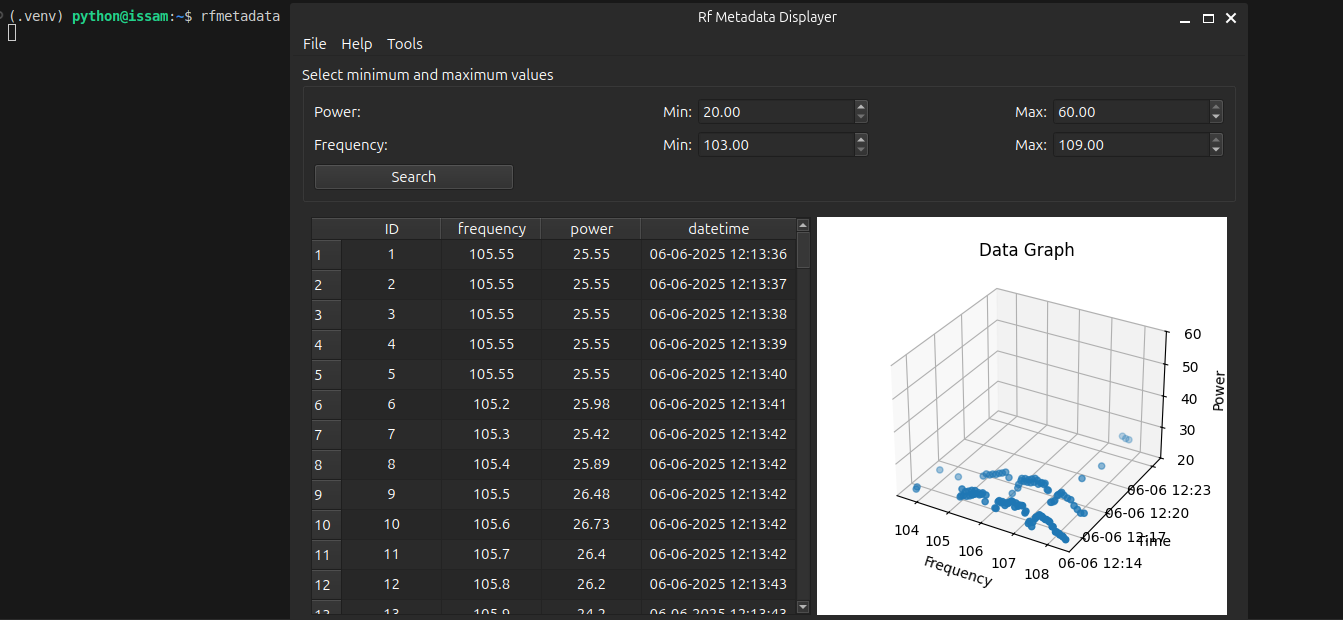
Now you can run the rfmetadata and query the data.
rfmetadata
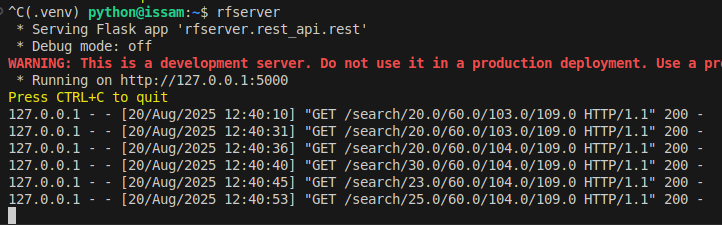
See the server’s response when the displayer application queries it:
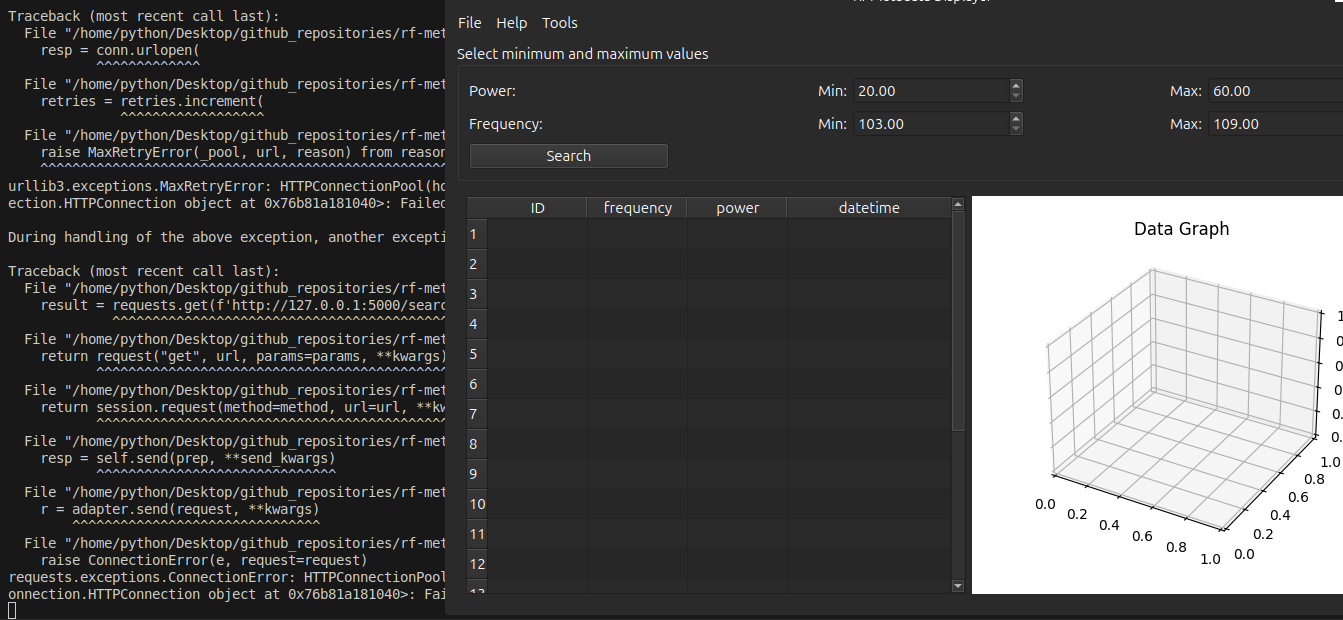
If you don’t run the server and you try to search in the displayer, you will get errors:
Running PyTest
PyTest can be run from command line.
python -m pip install -e . rfmetadata[test]
pytest